Resources

Straight answers for school leaders choosing software

Buyer's guides, side-by-side platform comparisons, and switching playbooks written for heads of school and business managers at independent K-12 schools. We name where competitors beat us, we tell you when we are not the right fit, and we give you the questions to put to every vendor including us.
Start here

The 2026 buyer's guide

Ten platforms scored against six criteria that actually matter for independent K-12: coverage in one login, segment fit, real cost per student per month, time to value, family experience, and support that answers.
Buyer's guide

10 Budget-Friendly SIS Options for Independent K-12 Schools

Most roundups in this category read like rewritten press releases. This one names the platforms that beat us, explains which well-known systems we deliberately left off and why, and shows you exactly which vendors will give you a number before a sales call.

Includes a total cost of ownership checklist, a decision guide by school size, and the three things to demand from every vendor demo.
10 platforms    6 criteria    Updated Sept 2026
What to ask before you sign
  1. What is the all-in cost per student per month?License plus onboarding plus processing plus every module you will actually use.

  2. What is the renewal rate and the contract minimum?Get year two in writing. The second invoice is what surprises schools.

  3. Who absorbs payment processing?Card and ACH rates separately, including flat per-transaction fees.

  4. What is priced separately?Financial aid and admissions are the usual culprits.

  5. What does training cost, and who does the work?Included library or billable services engagement is a real cost difference.
Head to head, then how to move

Compare the platforms, take the playbook

Each comparison covers pricing, parent app ratings, contract terms, migration timelines, and the specific scenarios where the other platform is the better choice. If you have already decided to move, grab the switching playbook from the same card: what to export, what breaks, what to do about mid-year records, and a realistic timeline. The standard switching window for independent K-12 is May through July.
Comparison

FACTS vs Sycamore

Modular pricing and ecosystem lock-in weighed against one flat rate. Includes where the FACTS card rate wins.
Comparison

Veracross vs Sycamore

When premium tooling is worth it and when a 200-student school is buying capability it will never use.
Comparison

Blackbaud K-12 vs Sycamore

Advancement integration against cost and contract length. Three-year auto-renewal is the detail most schools miss.
Comparison

Gradelink vs Sycamore

The closest comparison in the category. Gradelink is month to month and we are not, so we say so plainly.

Comparison

Alma vs Sycamore

Modern interface against independent K-12 depth, particularly in financial aid and family billing workflows.

Comparison

SchoolCues vs Sycamore

A genuinely cheap starter platform and the point at which growing schools outgrow it.

Comparison

ClassReach vs Sycamore

Two platforms built for the same segment, compared on breadth, payments, and support model.
Comparison

Spreadsheets vs Sycamore

The real cost of the system most schools are actually running, counted in staff hours rather than licenses.
Playbook only

FastDirect to Sycamore

For PK-8 parochial schools adding a high school grade or needing a modern parent experience. No side-by-side page for this one yet.
Open the full comparison matrix to see every platform on one screen, scored across pricing, coverage, contract terms, and support.
Print collateral

Print it, hand it to families

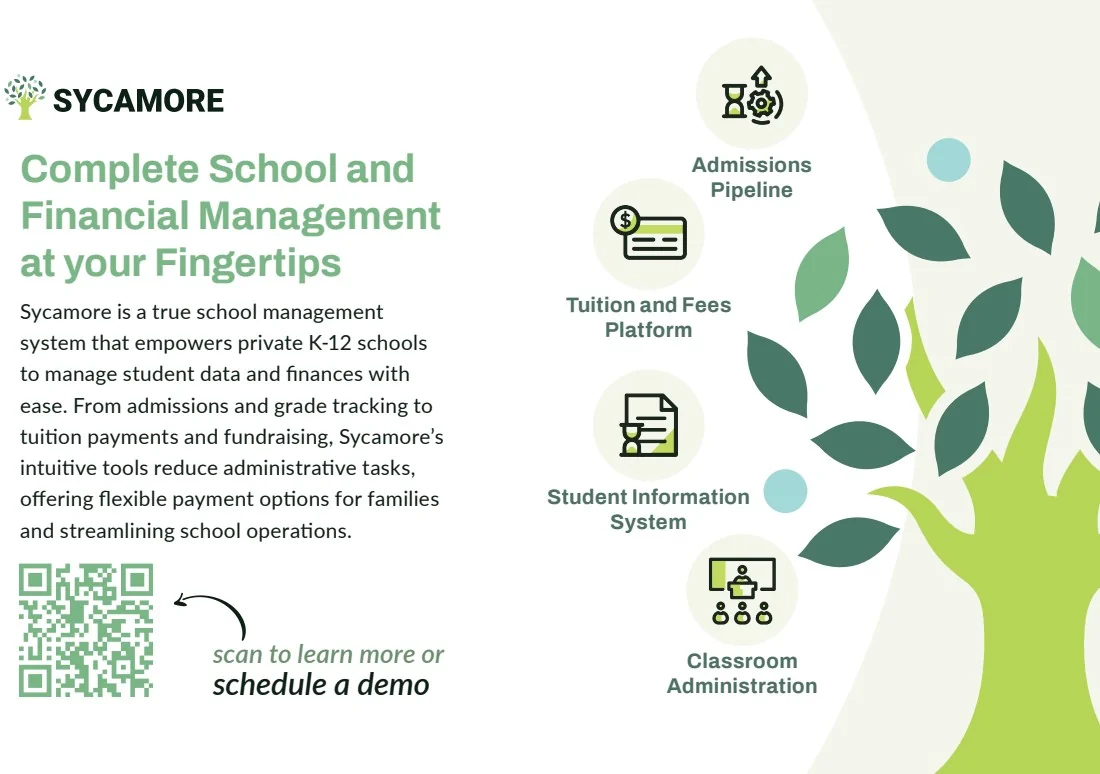
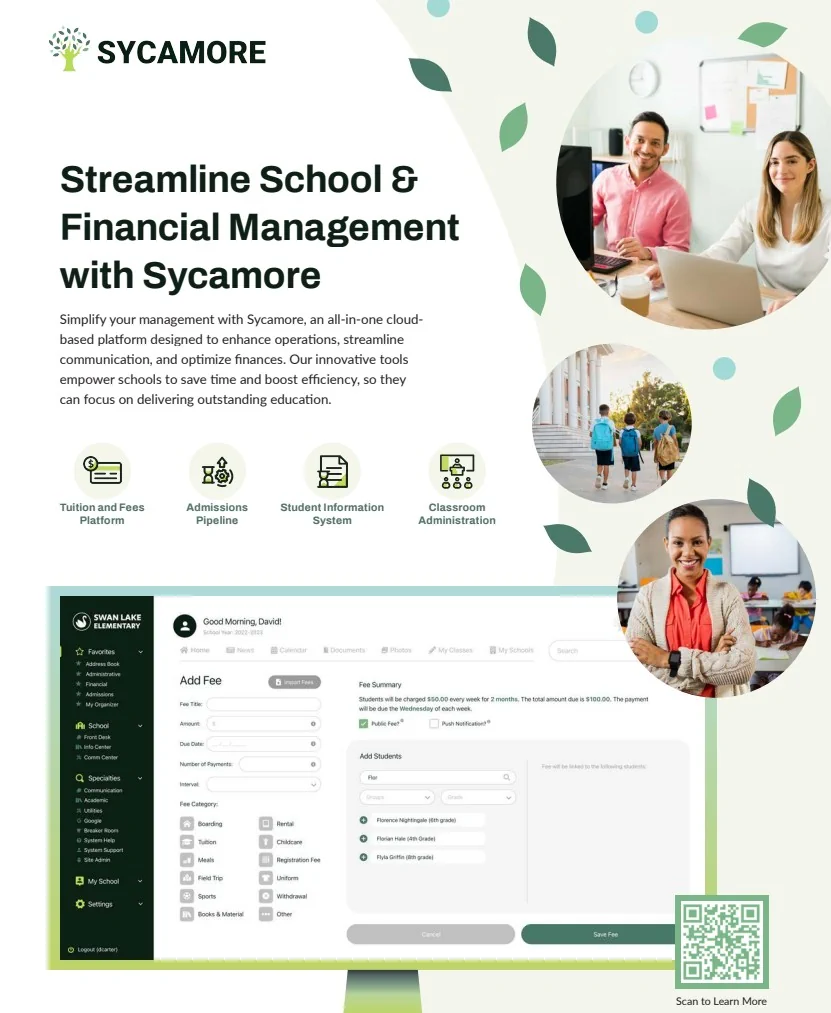
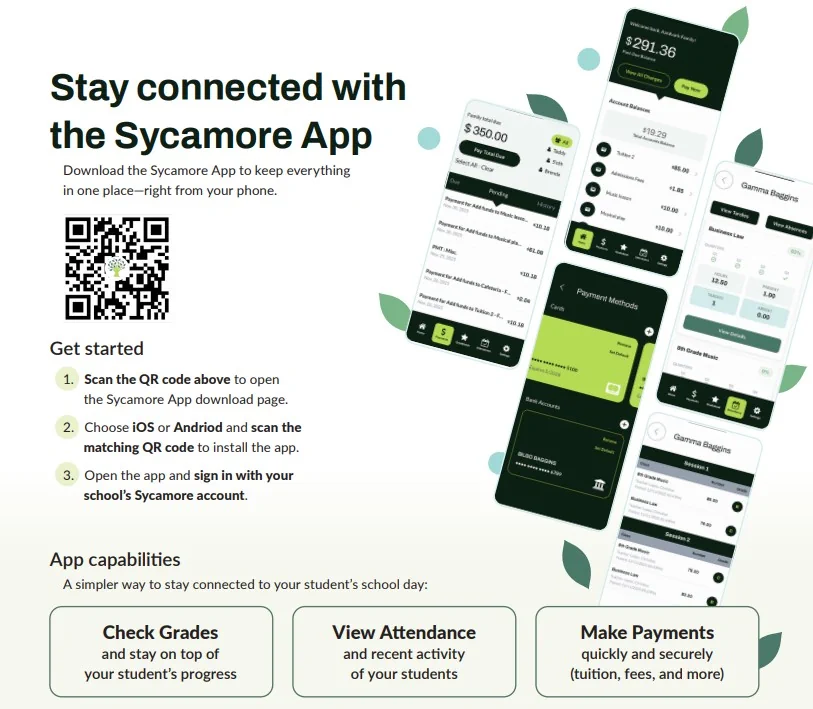
Parent-facing pieces formatted for standard print sizes. Schools put the parent app flyer in back-to-school folders and the welcome card in new-family packets. Download and print locally, or send the file to your print vendor.
Held back deliberately: the Sycamore Brand Guide, the AI Strategy Brief, and the retractable banner artwork exist but are not linked here. The first two are internal and the banner is a large-format event file that is not useful to a school. Confirm before publishing any of them.
Once you are live

Training and product reference

Onboarding is not a services engagement you pay extra for. Sycamore Academy is included with every license, and the product pages below cover what each module actually does.
2001
Serving schools since
100,000+
Students supported
40+
Countries
100%
Uptime, every minute
Common questions

What school leaders ask us first

The defensible range for budget-friendly all-in-one platforms is roughly $3 to $8 per student per month, all-in. That figure needs to include the license, onboarding, payment processing, and every module you will actually use, not just the SIS. Premium platforms frequently land at multiples of that once services are counted. Our list price is $4 per student per month with every module included. See the full cost breakdown.

Force them into the same shape before you compare anything. Ask every vendor for the all-in cost per student per month covering the modules you will actually use, the renewal rate in writing, the exact card and ACH processing rates including flat per-transaction fees, a list of what is priced separately, and whether training is included or billed. Some vendors publish a rate and some will not give you one before a discovery call. Neither is disqualifying, but the second kind takes longer to evaluate, so start those conversations earlier. The full checklist is in the buyer's guide.

May through July, with re-enrollment and the new academic year's setup running on the new system. We do not recommend mid-year migrations unless your current platform is failing outright. A managed Sycamore migration typically runs 4 to 8 weeks.

Five things. The per-student license. The onboarding or implementation fee. Payment processing, including who absorbs it, since a school covering card fees on tuition is carrying a real cost. Any module priced separately, with financial aid and admissions being the usual culprits. And staff training time, which is only free if the vendor includes a training library.

Sycamore contracts start at an 18-month minimum. Longer terms are available and lock in the per-student rate for the length of the term, protecting your school from any future price changes. There is no multi-year auto-renewal.

Because heads of school can tell the difference between a comparison and an advertisement, and because we would rather lose a shortlist we were never going to fit than win a school that leaves in eighteen months. Every comparison on this page names at least one thing the other platform does better than we do.

Bring us your actual scenarios

Not a canned demo. Bring a real admissions funnel, a financial aid award, and a parent paying tuition, and we will show you how each one works in the platform.