Simple, flexible payment processing—built directly into Sycamore

Sycamore Payments

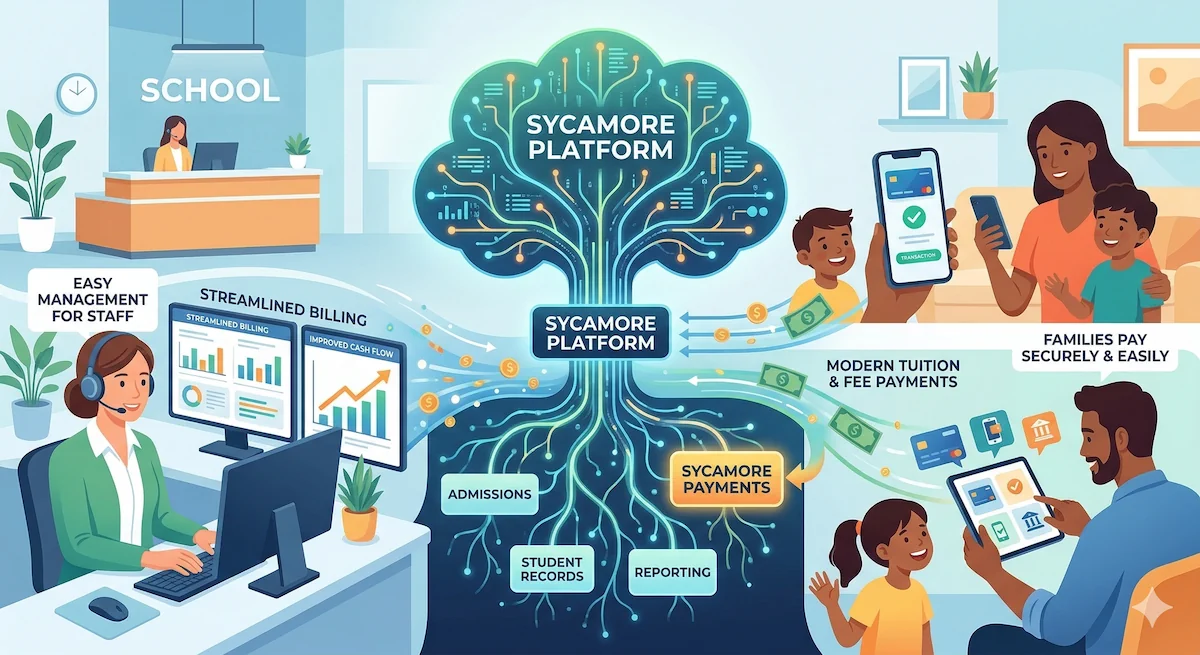
Sycamore Payments makes it easier than ever for schools and families to manage tuition and fee payments in one connected system. Fully integrated into the Sycamore platform, this payment processing option streamlines billing, improves cash flow, and gives families a modern way to pay—without adding complexity for staff.

Included with your existing Sycamore subscription, schools can activate powerful payment capabilities without purchasing or managing a separate solution. Parents can securely pay with credit cards or ACH through the Sycamore Parent App or web portal, while administrators keep full visibility and control inside accounting.
  • Credit card + ACH
  • One bill, multiple charges
  • Recurring + autopay
  • QuickBooks Online integration

Billing, plans, drafts, reporting, and accounting visibility—all in one workflow.

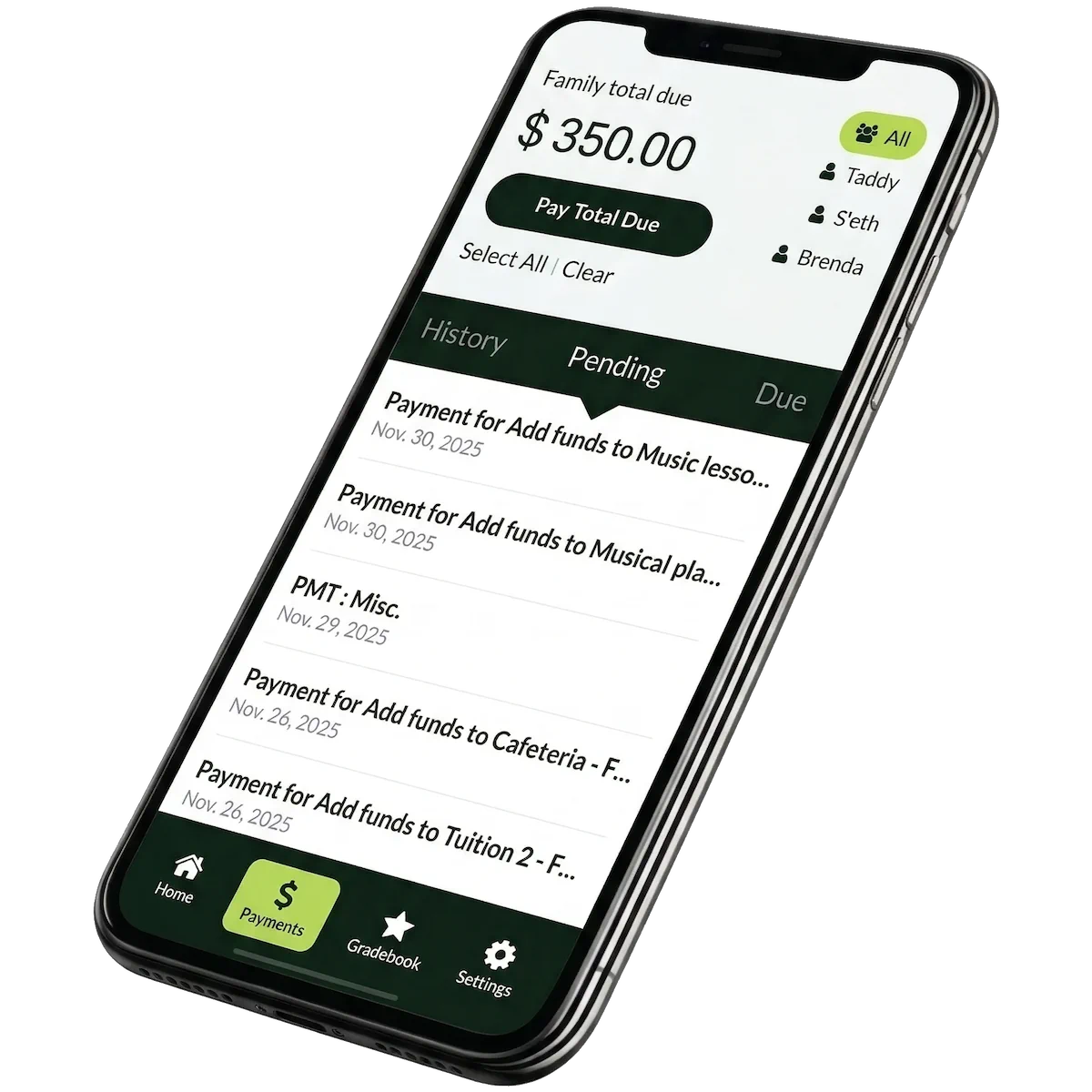
Fast checkout, saved payment methods, and a single bill for multiple charges.

Financial → Accounting Manager → Services → Payments → Configuration

Built for school workflows

Everything below maps to core tuition + fee operations: charging, collecting, reconciling, and supporting families—without bolt-on tools.

Built-In & Easy to Activate

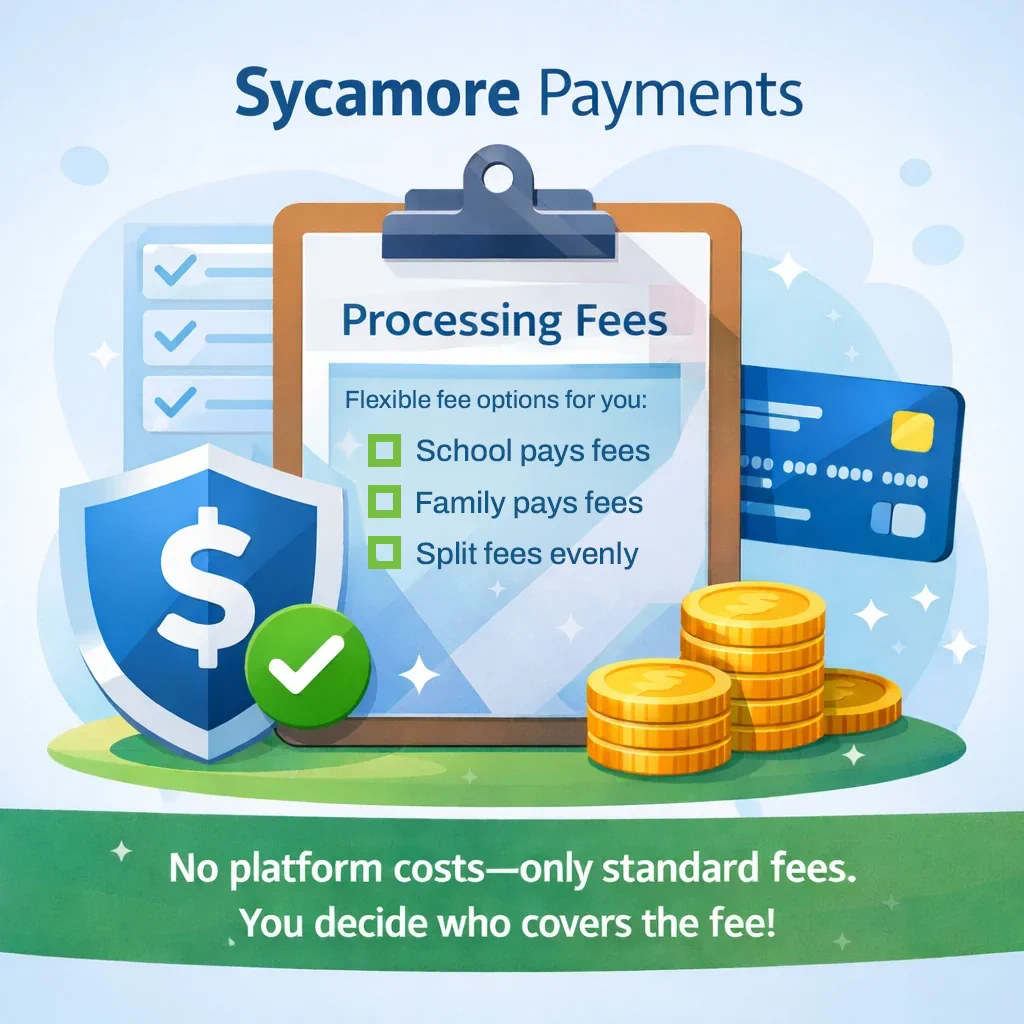
Included with your Sycamore subscription—no additional platform cost. Schools only pay standard processing fees.

Flexible Billing & Payment Options

Create recurring payments, one-time charges, automatic drafts, and customizable tuition payment plans.

One Bill, Multiple Charges

Parents can pay multiple line items in a single transaction (tuition, fees, activities, and more).

Customizable Fee Management

Choose how fees are handled: absorbed by the school, passed to parents, or split 50/50.

Accounting & Reporting Integration

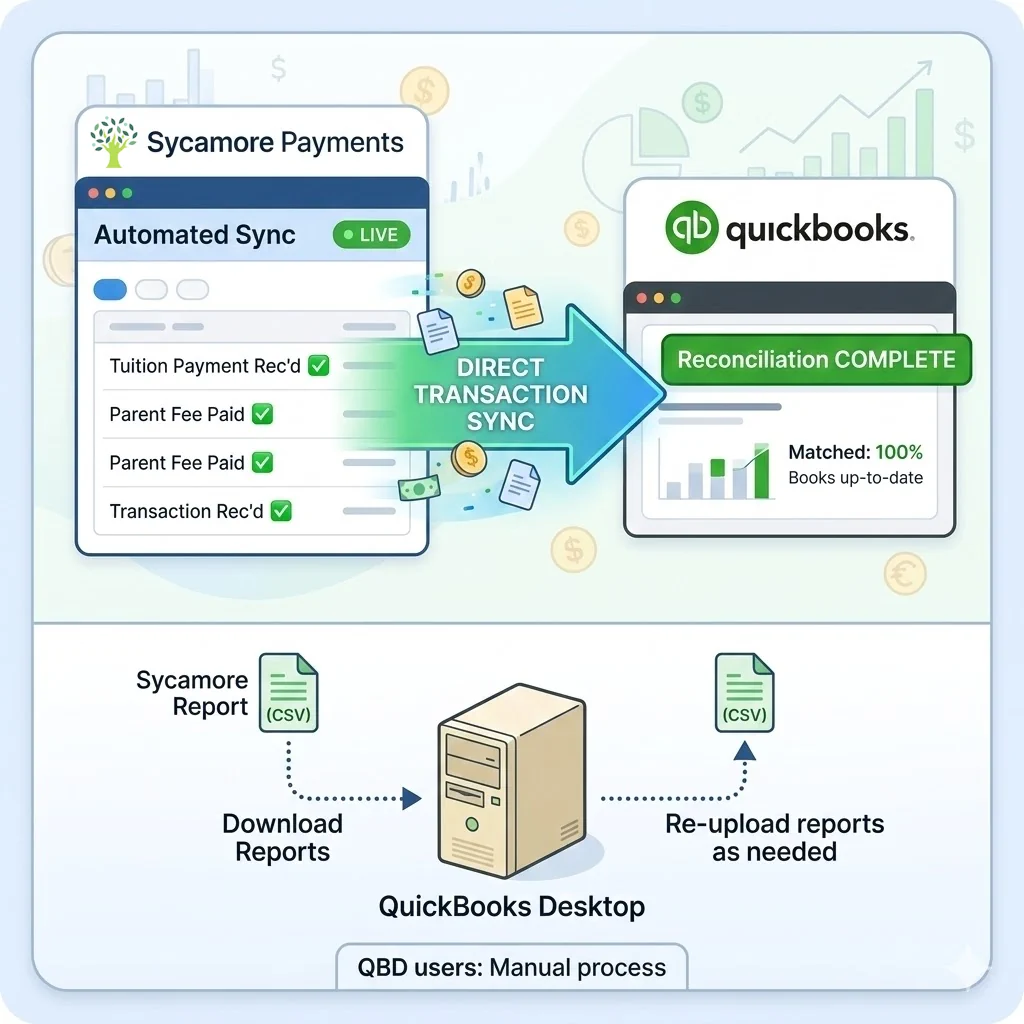
Direct QuickBooks Online integration helps streamline reconciliation. Downloadable reports support other workflows.

Modern Parent Experience

Secure payments via the Parent App or web portal, plus clear visibility into balances and charges.

Transparent processing fees

No additional Sycamore platform cost—only standard processing fees. (You can decide who covers the fee.)

Payment method Fee Notes
Credit card 3.9% Applies to the transaction total.
ACH 1.8% (0.8% capped at $5) Designed to keep larger ACH payments cost-effective.
  • No monthly platform fee
    Sycamore Payments is included with your subscription—no separate payment platform subscription to manage.
  • Parents download the app free
    The Sycamore Parent App is currently free to download on iOS and Android.

Compare fee handling

Quick estimate of what families pay and what the school receives based on payment method and your fee policy.

Calculator

*This is a planning estimate. It models ACH as 1.0% + min(0.8%, $5) to reflect “1.8% with 0.8% capped at $5.”

Estimated outcome

Processing fee (estimated) $0.00
Fee
Total charged to parent $0.00
Parent
Net to school $0.00
School

Interpretation

School absorbs: parent pays the charge amount; school receives charge minus fee.

Parent pays: parent pays charge plus fee; school receives the full charge amount.

Split 50/50: parent pays charge plus half the fee; school receives charge minus half the fee.
Pricing context

A plain-language snapshot of common market pricing patterns—without naming vendors.

Monthly platform fees are common

Some payment solutions add a recurring subscription fee, often around $25–$50/month (and sometimes higher at larger volumes).

Higher processing fees exist

In some cases, total effective fees can reach ~6%+ depending on pricing structure, payment method mix, and add-ons.

App access can be monetized

Some ecosystems charge for mobile access or bundle it into a paid add-on. Sycamore is keeping the focus on the payment workflow and school experience.
Note: Market pricing varies by contract, volume, features, and payment mix. Use this section as directional context—not a quote.

How it works

A simple activation path for schools, and a streamlined checkout for families.

School activation (admin)

1

Open Payments Configuration

Log in to Sycamore Admin → Financial → Accounting Manager → Services → Payments → Configuration.
2

Connect your payments account

Enter the email associated with your account, click Update, then select Connect to authorize.
3

Confirm business details

Verify business name, EIN, address, phone, and other details. Then continue to complete setup.
4

Enable billing options

Turn on recurring/autodraft, configure fee handling, and publish the options to the parent app + portal.

Parent experience

1

View a single bill

Parents see balances and line items in one place—tuition, fees, and activities.
2

Pay multiple charges at once

Checkout supports multiple line items in a single transaction for faster completion.
3

Use card or ACH

Secure payments in the Parent App or web portal, with modern confirmation and receipts.
4

Stay on track

Recurring payments and autodraft help reduce missed payments and manual follow-up.

Accounting + reporting

Built to reduce reconciliation time and keep finance workflows consistent.

QuickBooks Online

Sycamore Payments integrates with QuickBooks Online for faster, easier bookkeeping. If you use QuickBooks Desktop, you can still download reports from Sycamore and re-upload as needed.

Reconciliation support

Align transactions to your accounting workflows with less manual entry.

Downloadable reports

Export reports for external workflows or additional bookkeeping steps.

Parent App

With our mobile app, families can manage tuition payments and stay on top of their accounts anytime, anywhere. Designed for convenience, the app offers real-time updates, easy payment options, and secure account access.

International availability

If a processor isn’t available in your country yet, additional options are in progress. In the meantime, review supported countries below.

Stripe availability

See supported countries: stripe.com/global

PayPal availability

See supported countries: PayPal worldwide

FAQ

Common questions from administrators and business offices.

No, Sycamore Payments is included with your Sycamore subscription fee. The parent app is free to download for both iPhones and Androids. The only additional cost is the processing fees. Credit card processing fees are: 3.9%. ACH processing fees are: 1.8% (0.8% capped at $5).

Yes, you can set up both recurring and one-off payments. Schools can enroll in autodraft.

Yes. Parents can pay multiple line items (individual charges) on a single bill. Question: Who pays fees?

You have options- the school can opt to pay the fees in full, have parents pay the fee in full, or split fees 50/50 with parents.

Additional payment processors are in progress to better serve international schools. For current availability, review supported countries via Stripe and PayPal.

Yes—Sycamore integrates with QuickBooks Online for faster and easier bookkeeping. QuickBooks Desktop does not integrate, but you can download Sycamore reports and re-upload as needed.

Yes. Schools can set up multiple types of payment plans within accounting, and those options will be visible in the app.

A financial aid module is in production (coming soon). A donation module is being rebuilt. Tuition insurance is available through Vertical Insure.

For current clients, call Client Success at +1 (866) 757-4968 or submit a help ticket through your school site.

Get Started with Sycamore Today

For customized pricing, contact us at 1 (866) 757-5401 or fill out our form online. Schedule a demo and start your free trial to see how Sycamore can help your school achieve more.